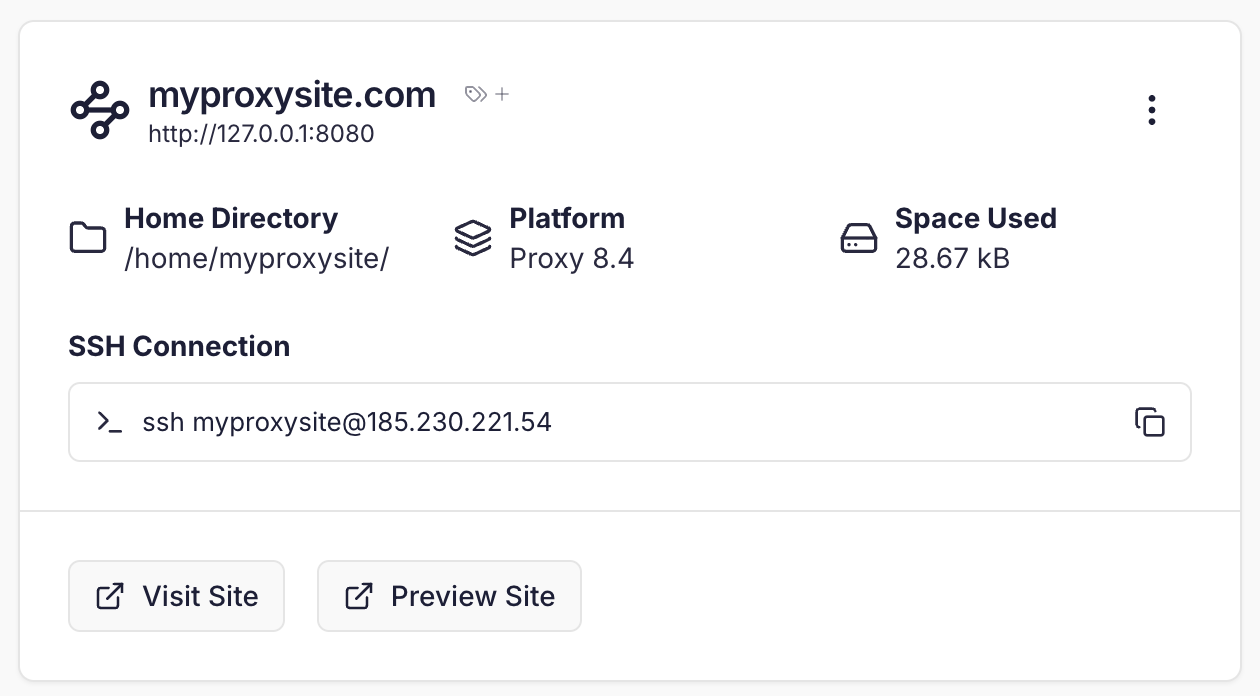
Creating a Proxy Pass site
Click ‘Create site’ in the top hand corner of the dashboard and select the “Proxy Pass” site type.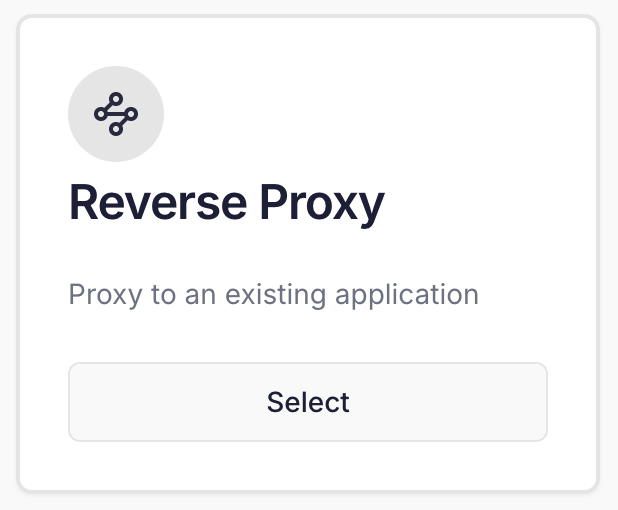 You will be prompted to enter the domain name and choose an SSH username.
After this, you’ll need to specify the Target. This is the IP and port combination that your service is listening on. If your services are running locally, you can use the IP
127.0.0.1.
 Once you have created your site you’ll see it listed on the Sites page.