
You can also press CTRL + K to open the search dialog.
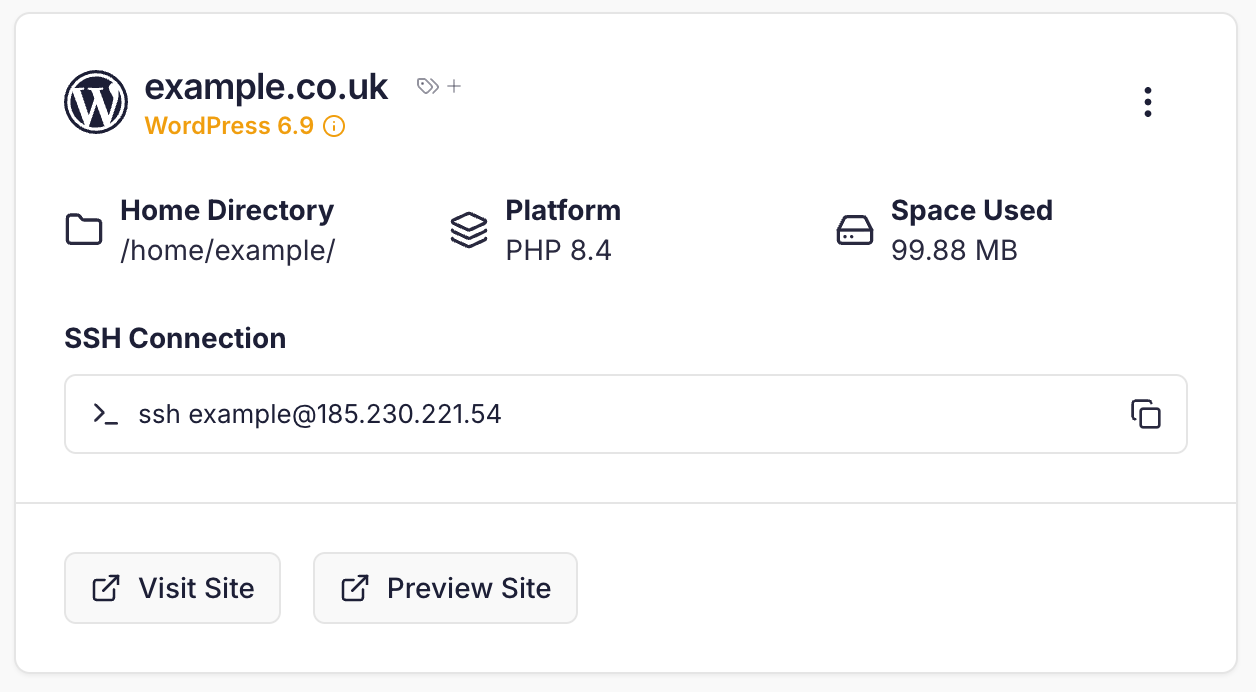 You can toggle between Card view (the default) and Table view, which is useful if you have a large number of sites.
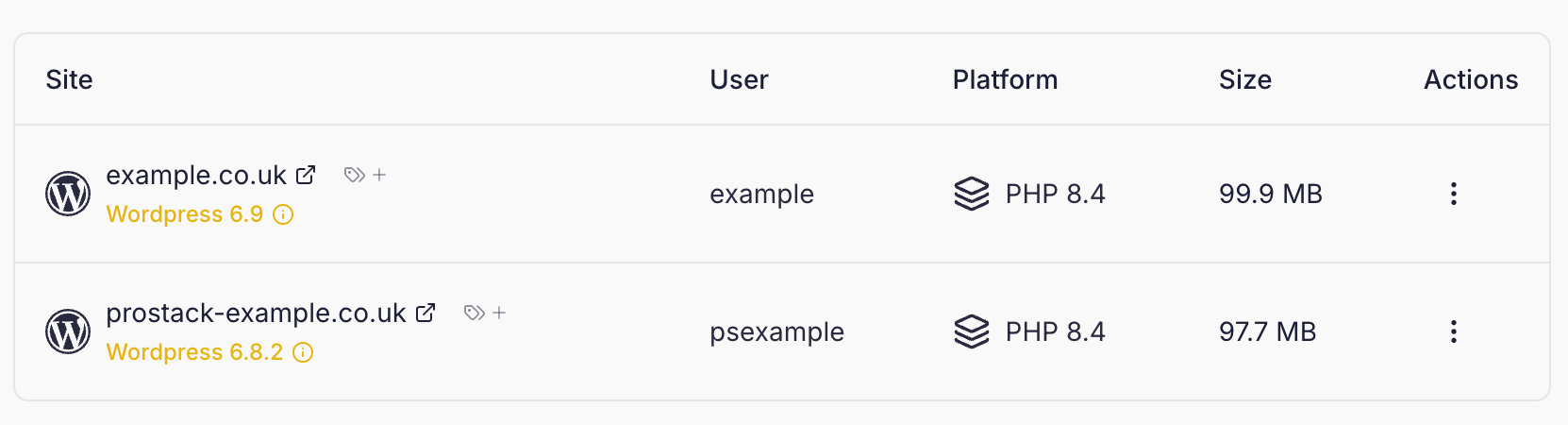 The overview page allows you to view the details associated with your sites, including:
- Preview URL
- Username
- Home Directory
- SSH connection details
- Disk space
- PHP Version
Site tags
Tags are descriptive identifiers that you can assign to sites. For example, you might have adev tag to designate sites that are in development.
To add a tag to a site, click the 🏷️ icon next to the site name. To manage all tags, click ‘Filter by Tag’.
Using the CLI
Use thepslist utility to view the sites currently on your Cito server.